
IHR WARENKORB IST AKTUELL LEER.
Haben Sie noch nichts passendes gefunden? Stöbern Sie durch unser komplettes Sortiment.
Oder melden Sie sich an bzw. registrieren Sie sich.
- Kostenlose Lieferung
- Kauf auf Rechnung
- Ex Libris Tiefpreis
- Filiallieferung und 650+ Abholorte
- Rabatt-Bons als Club-Mitglied
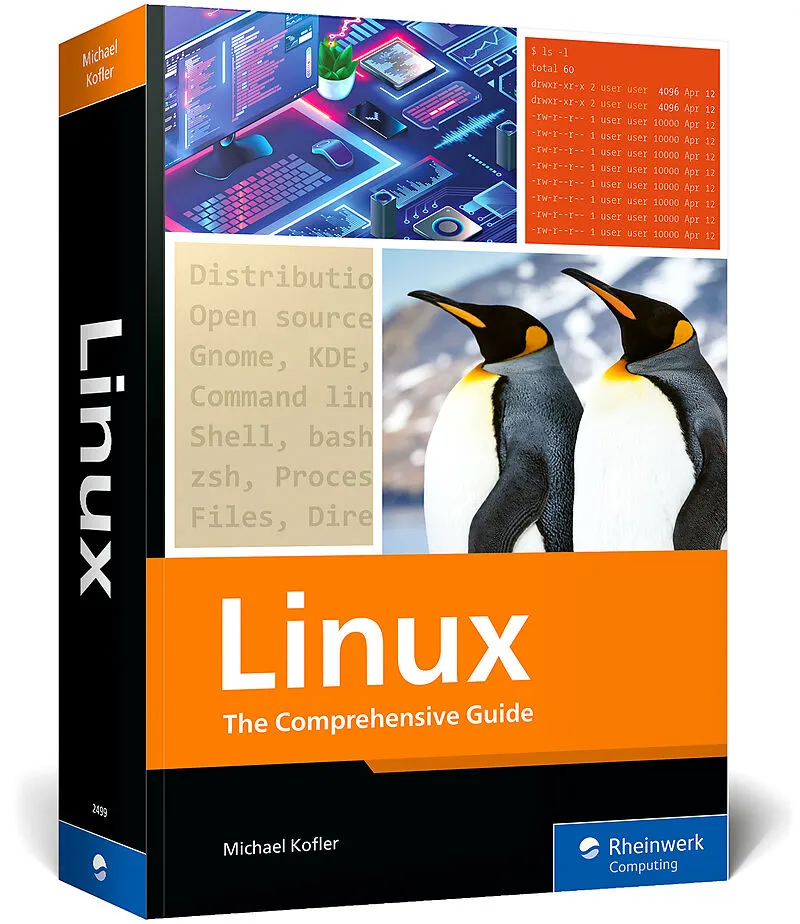
Linux
Beschreibung
Beginner or expert, professional or hobbyist, this is the Linux guide you need! Install Linux and walk through the basics: working in the terminal, handling files and directories, using Bash, and more. Then get into the nitty-gritty details of configuring you...
Format auswählen
- Kartonierter Einband (Kt)CHF 67.20

Wird oft zusammen gekauft
Andere Kunden kauften auch
Beschreibung
Beginner or expert, professional or hobbyist, this is the Linux guide you need! Install Linux and walk through the basics: working in the terminal, handling files and directories, using Bash, and more. Then get into the nitty-gritty details of configuring your system and server, from compiling kernel modules to using tools like Apache, Postfix, and Samba. With information on backups, firewalls, virtualization, and more, you'll learn everything there is to know about Linux!
Highlights include:
- Installation
- GNOME and KDE
- Bash, Vim, Emacs
- Network configuration
- Software and package management
- Administration
- Kernel modules
- Apache
- Postfix and Dovecot
- Samba
- Security
- Virtualization
Set up security, virtualization, and more
Inhalt
... Preface ... 31
... What This Book Can Doand What It Can't ... 31
... How This Book Is Organized ... 32
... Formal Aspects ... 33
Part I ... Installation ... 35
1 ... What Is Linux? ... 37
1.1 ... Introduction ... 37
1.2 ... Hardware Support ... 38
1.3 ... Distributions ... 39
1.4 ... Open-Source Licenses (GPL and Company) ... 44
1.5 ... The History of Linux ... 46
2 ... Installation Basics ... 49
2.1 ... Requirements ... 49
2.2 ... BIOS and EFI ... 50
2.3 ... Installation Variants ... 53
2.4 ... Overview of the Installation Process ... 56
2.5 ... Partitioning Basics ... 58
2.6 ... LVM and Encryption ... 61
2.7 ... Creating Linux Partitions ... 64
2.8 ... Setting the Scope of the Installation ... 68
2.9 ... Basic Configuration ... 68
2.10 ... System Changes, Extensions, and Updates ... 70
3 ... Installation Instructions ... 75
3.1 ... Debian ... 76
3.2 ... Fedora ... 84
3.3 ... Linux Mint ... 92
3.4 ... Manjaro Linux ... 95
3.5 ... openSUSE ... 98
3.6 ... Pop!_OS ... 104
3.7 ... Ubuntu ... 108
Part II ... Using Linux ... 117
4 ... GNOME ... 119
4.1 ... Personal Assessment ... 120
4.2 ... Getting Started ... 121
4.3 ... File Manager ... 128
4.4 ... System Configuration ... 138
4.5 ... Fonts ... 148
4.6 ... GNOME Tweak Tool ... 150
4.7 ... GNOME Shell Extensions ... 152
4.8 ... GNOME Shell Themes ... 156
4.9 ... Internal Details of GNOME ... 156
4.10 ... GNOME Classic ... 159
5 ... KDE ... 161
5.1 ... Basic Principles ... 161
5.2 ... Operation ... 163
5.3 ... File Manager ... 167
5.4 ... KDE Configuration ... 170
Part III ... Linux Basics ... 177
6 ... Using the Terminal ... 179
6.1 ... Text Consoles and Terminal Windows ... 179
6.2 ... Displaying and Editing Text Files ... 185
6.3 ... man and info ... 189
7 ... Bash (Shell) ... 193
7.1 ... What Is a Shell? ... 193
7.2 ... Configuration ... 195
7.3 ... Command Input ... 198
7.4 ... Input and Output Redirection ... 202
7.5 ... Executing Commands ... 205
7.6 ... Globbing and Substitution/Expansion ... 208
7.7 ... Variables ... 213
7.8 ... Bash Scripts ... 217
7.9 ... Basic Rules for Bash Scripts ... 223
7.10 ... Variables in Bash Scripts ... 225
7.11 ... Branches, Loops, and Functions ... 230
7.12 ... Important Special Characters in Bash: Quick Reference ... 237
8 ... Zsh (Shell) ... 241
8.1 ... Installation and Configuration ... 242
8.2 ... Usage ... 247
8.3 ... Oh My Zsh ... 250
9 ... Files and Directories ... 253
9.1 ... Handling Files and Directories ... 253
9.2 ... Links ... 264
9.3 ... Finding Files (find, grep, and locate Commands) ... 266
9.4 ... Greater Convenience with Modern Commands ... 271
9.5 ... Access Rights, Users, and Group Membership ... 273
9.6 ... Special Bits and the umask Setting ... 279
9.7 ... Access Control Lists and Extended Attributes ... 285
9.8 ... The Linux Directory Structure ... 289
9.9 ... Device Files ... 293
10 ... Process Management ... 297
10.1 ... Starting, Managing, and Stopping Processes ... 297
10.2 ... Running Processes under a Different Identity (su) ... 305
10.3 ... Running Processes under a Different Identity (sudo) ... 307
10.4 ... Running Processes under a Different Identity (PolicyKit) ... 312
10.5 ... System Processes (Daemons) ... 315
10.6 ... Starting Processes Automatically (Cron) ... 318
10.7 ... Starting Processes Automatically (systemd Timer) ... 323
11 ... Network Tools ... 329
11.1 ... Determining the Network Status ... 329
11.2 ... Working on Other Computers (SSH) ... 334
11.3 ... Transferring Files (FTP and Others) ... 341
11.4 ... Lynx ... 346
11.5 ... Mutt ... 346
Part IV ... Text and Code Editors ... 349
12 ... Vim ... 351
12.1 ... Quick Start ... 352
12.2 ... Cursor Movement ... 355
12.3 ... Editing Text ... 356
12.4 ... Search and Replace ... 360
12.5 ... Editing Multiple Files Simultaneously ... 361
12.6 ... Internal Details ... 363
12.7 ... Tips and Tricks ... 366
13 ... Emacs ... 369
13.1 ... Quick Start ... 369
13.2 ... Cursor Movement ... 373
13.3 ... Editing Text ... 374
13.4 ... Search and Replace ... 379
13.5 ... Buffers and Windows ... 382
13.6 ... Special Editing Modes ... 384
13.7 ... Configuration ... 386
Part V ... System Configuration and Administration ... 389
14 ... Basic Configuration ... 391
14.1 ... Introduction ... 391
14.2 ... Configuration of the Text Consoles ... 395
14.3 ... Date and Time ... 397
14.4 ... Synchronizing Date and Time via NTP ... 399
14.5 ... Users, Groups, and Passwords ... 401
14.6 ... PAM, NSS, and Nscd ... 412
14.7 ... Language Setting, Internationalization, and Unicode ... 418
14.8 ... Hardware Reference ... 423
14.9 ... CPU Tuning ... 434
14.10 ... Notebook Optimization ... 438
14.11 ... Printing System (CUPS) ... 444
14.12 ... Logging (Syslog) ... 452
14.13 ... Logging (Journal) ... 460
14.14 ... Cockpit ... 463
15 ... Network Configuration ... 469
15.1 ... NetworkManager ... 469
15.2 ... Manual LAN and Wi-Fi Configuration ... 478
15.3 ... LAN Configuration Files ... 487
15.4 ... Distribution-Specific Configuration Files ... 491
15.5 ... Zeroconf and Avahi ... 502
16 ... Software and Package Management ... 505
16.1 ... Introduction ... 505
16.2 ... RPM Package Management ... 509
16.3 ... DNF ... 513
16.4 ... ZYpp ... 521
16.5 ... Debian Package Management (dpkg) ... 524
16.6 ... APT ... 527
16.7 ... Pacman ... 537
16.8 ... PackageKit ... 540
16.9 ... Firmware, BIOS, and EFI Updates ... 541
16.10 ... Managing Parallel Installations (Alternatives) ... 545
16.11 ... Flatpak and Snap ... 547
16.12 ... Distribution-Specific Characteristics ... 554
17 ... Graphics System ... 567
17.1 ... Basic Principles ... 567
17.2 ... Graphics Drivers ... 572
17.3 ... NVIDIA Driver Installation ... 576
17.4 ... Determining the Status of the Graphics System ... 582
17.5 ... Starting the Graphics System ... 586
18 ... File System Administration ... 591
18.1 ... How Everything Is Connected ... 593
18.2 ... For…