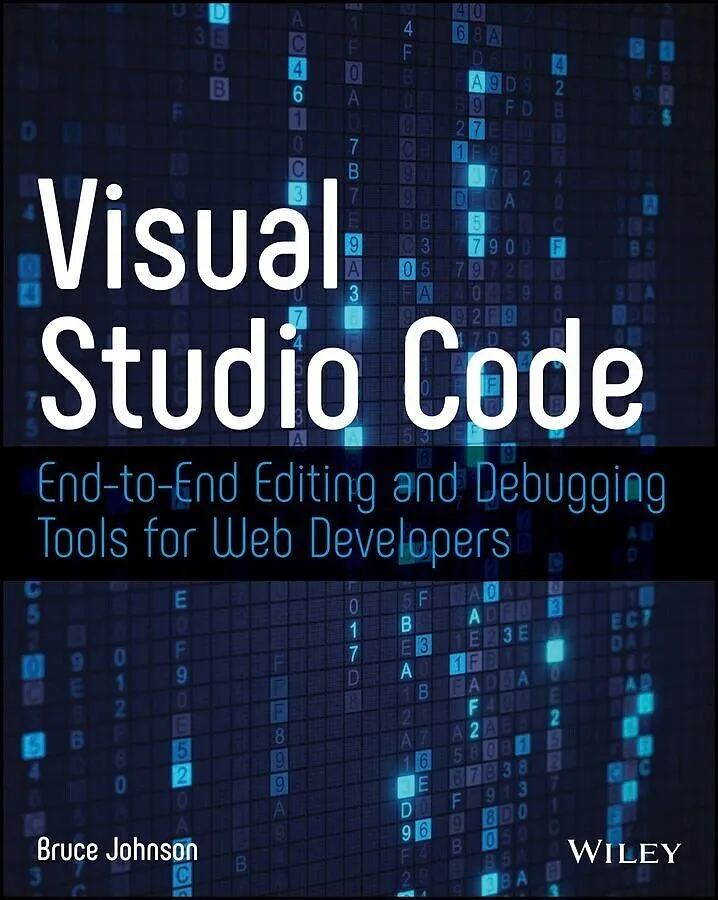
Visual Studio Code
Beschreibung
Expert guidance on using Visual Studio Code for editing and debugging your web development projects Visual Studio Code, a free, open source, cross-compatible source code editor, is one of the most popular choices for web developers. It is fast, lightweight, c...Format auswählen
- E-Book (epub)CHF 27.00

Wird oft zusammen gekauft
Andere Kunden kauften auch
Beschreibung
Expert guidance on using Visual Studio Code for editing and debugging your web development projects
Visual Studio Code, a free, open source, cross-compatible source code editor, is one of the most popular choices for web developers. It is fast, lightweight, customizable, and contains built-in support for JavaScript, Typescript, and Node.js extensions for other languages, including C++, Python, and PHP. Features such as debugging capability, embedded Git control, syntax highlighting, code snippets, and IntelliSense intelligent code completion support--several of which set it apart from the competition--help make Visual Studio Code an impressive, out-of-the-box solution.
Visual Studio Code: End-to-End Editing and Debugging Tools for Web Developers helps readers to become familiar with and productive in Visual Studio Code. This up-to-date guide covers all of the essential components of the software, including the editing features of the workspace, advanced functionality such as code refactoring and key binding, and integration with Grunt, Gulp, NPM, and other external tools. New users, experienced developers, and those considering moving from another developer tool will benefit from this book's detailed, yet easy-to-follow information on Visual Studio Code. This book:
Teaches readers how to use Visual Studio Code to do full-stack development
Explains the steps to install Visual Studio Code on Windows, Mac and Linux platforms
Provides a foundation for non-users considering moving to Visual Studio Code
Helps current users expand their knowledge of the tool and its available extensions
Describes how to open a .NET Core project and get end-to-end execution and debugging functionality
Visual Studio Code: End-to-End Editing and Debugging Tools for Web Developers is an invaluable guide for both professional and hobbyist web developers seeking immediately-useful information on Visual Studio Code.
Autorentext
BRUCE JOHNSON is a partner at ObjectSharp Consulting. He has spent most of his career in the computer industry, working on projects at the leading edge of Windows technology. Bruce has spoken hundreds of times at conferences and user groups throughout North America. He is a Microsoft Certified Trainer (MCT), and has been recognized numerous times as a Microsoft MVP.
Klappentext
A complete guide to working with the popular code editor from Microsoft The choice of a code editor is an important one for any web developer. Visual Studio Code, the free and open-source editor from Microsoft, has swiftly become a favorite in the coding community. It provides all the basics in a lightweight package and adds a number of features that set it apart from other editors. Whether you are new to the program or are already a user, Visual Studio Code will equip you with a thorough knowledge of the out-of-the-box functionality and the available extensions for your cross-platform code editor of choice. This book is appropriate for developers using Visual Studio Code on Windows, Mac, or Linux, and guides you through the installation process for each platform. A detailed inventory of features follows the development workflow, so you can follow along with this book to set up your workspace, project files, code editing tools, and source control integration as you go. Additionally, Visual Studio Code guides you through the extensibility features of the code editor, so you can locate and install key extensions, from additional language support to useful new functionality. Finally, this book will show you how to create your own extensions to make Visual Studio Code exactly what you need your code editor to be. Visual Studio Code is an essential guide to:
- Navigating and customizing the workspace
- Editing code in your language of choice using syntax coloring, refactoring support, and other productivity-enhancing features
- Choosing and implementing a file structure appropriate to your needs
- Integrating with external tools, including native support for Git
Debugging code in both .NET Core and node.js
Inhalt
Introduction xvChapter 1: Introducing Visual Studio Code 1
Getting Started 1
Installing Visual Studio Code 2
Windows 2
Linux 6
macOS 10
How Cross-Platform Works 11
Summary 12
Chapter 2: Exploring the User Interface 13
Editors 14
Activity Bar 15
Editing Settings Manually 17
Status Bar 18
Other Windows 23
Command Palette 23
Terminal Window 24
Output Window 25
Debug Console 26
Problems Window 27
Summary 29
Chapter 3: Files and Folders and Projects (Oh My) 31
Explorer 31
Project View 32
Decorations 36
Workspaces 37
Saving the Workspace 37
Adding Folders 38
Settings 38
Search 38
Advanced Searches 39
Regular Expression Matching 39
Specifying Files 40
Replacing Text 41
Settings 41
Summary 42
Chapter 4: Editing Code in Your Language of Choice 43
Editor Area 43
Editor Groups and Layouts 45
Open Editors 48
Outline View 51
Editing Functionality 52
Keyboard Shortcuts 53
Choosing Your Language 57
Formatting 58
Code Writing Assistance 59
IntelliSense 61
Method Info 61
Completions 62
Settings 62
Find and Replace 63
Minimap 64
Code Snippets 65
Multiple Cursors 67
Auto Save 67
Hot Exit 68
Editor Settings 68
Summary 71
Chapter 5: Integrating with Source Control 73
Source Control Management 73
Using Git 75
Cloning a Repository 76
Staging and Committing 76
Branches 77
Working with the Tracking Branch 78
Merge Conflicts 80
Miscellaneous Support 82
Git Output 82
Default Git Editor 83
Git Diff Tool 83
Other SCMs 83
Installing the Extension 84
Configuring the Extension 85
Summary 86
Chapter 6: Debugging Code 87
Debugging Node.js 87
Launching the Session 88
Launch Configurations 89
Launch vs. Attach Execution 91
Adding a Configuration 92
Simultaneous Configurations 94
Debug Actions 95
Breakpoints 95
Stepping through Code 97
Data Inspection 97
Advanced Launch Configuration 98
Variable Substitution 98
Launching a Browser on Debug 99
Summary 100
Chapter 7: External Tools and Task Automation 101
Tasks Defined 101
Creating Custom Tasks 104
Compound Tasks 106
Problem Matchers 107
Multiline Matchers 108
Background Patterns 109
Advanced Task Configuration 110
Platform-Specific Properties 110
Variable Substitution 110
Summary 112
Chapter 8: Unit Testing 113
Testing a Unit 113
Python Unit Testing 114
Unittest Framework 115
PyTest Framework 116
JavaScript Unit Testing 118
Jest Extension 118
Refactoring 121
Code Actions 122
Summary 124
Chapter 9: Working with Extensions 125
Extension Marketplace 126
Searching for Extensions 127
Installing Extensions 129
Extension Configuration 133
Updating Extensions 136
Workspace Extensions 137
Command-Line Interface 138 Useful Ex...